Move and zoom: drag the image to move it, or double-click to zoom in. Hold Ctrl (⌘ on a Mac) and scroll to zoom. On a touch screen, drag to move and pinch to zoom. With a keyboard, Tab to the image, then use the ← ↑ → ↓ keys to move, + and − to zoom, and 0 to reset. The buttons and slider above do the same thing, including the four arrow buttons for moving the image.
Open the full-size image in its own pageDescription of this slide
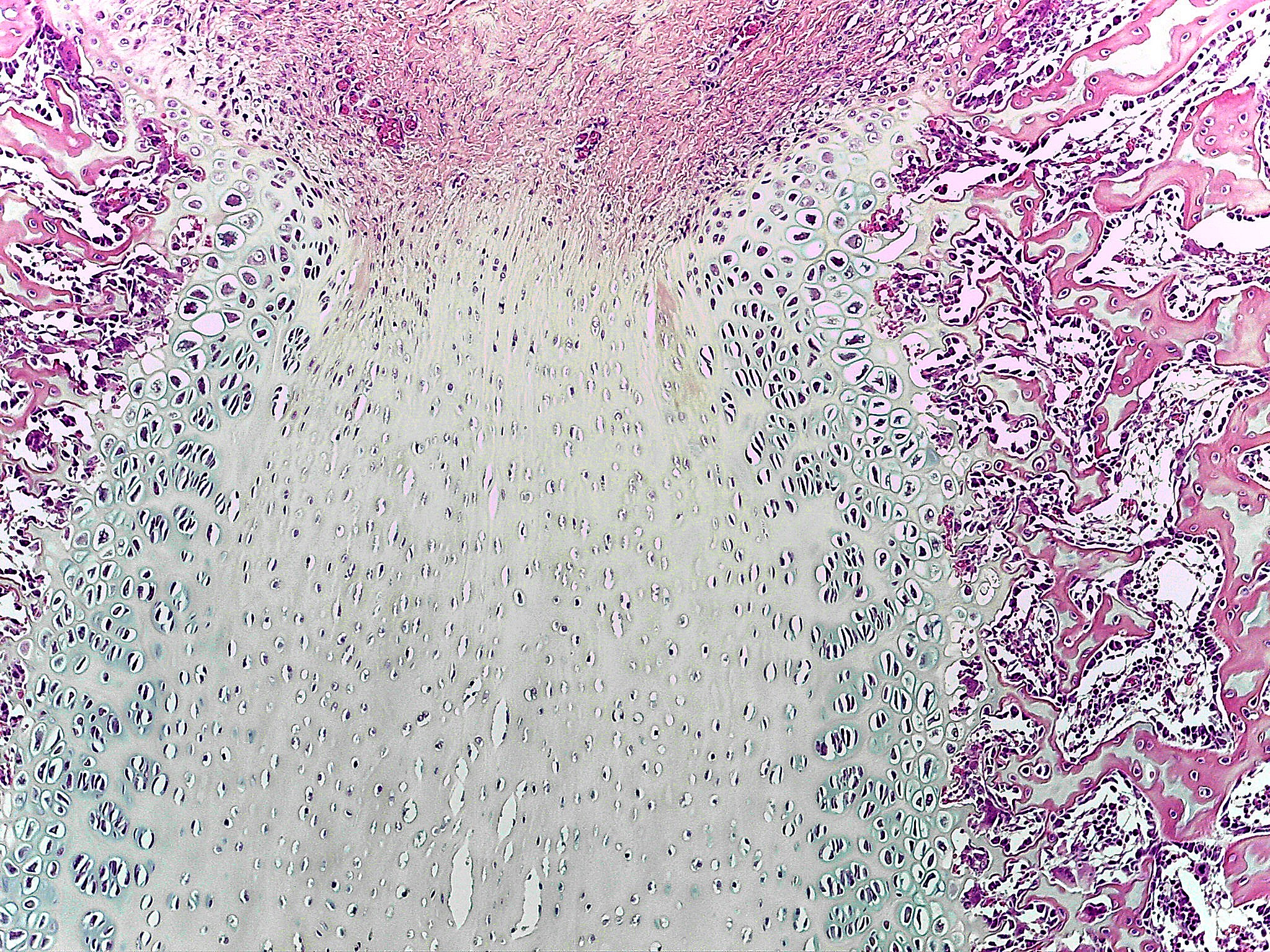
Cartilage at low power, stained pale gray-green and pink. The center and lower part of the picture is smooth, glassy, pale gray-green material with small cells in tiny spaces scattered through it. Near the top, pink fibrous tissue streams down into it in a fan shape. On the left and right, the cells are larger and rounder and sit in tight groups and short stacks. Beyond them, at the far left and right, are irregular, branching pink strands with dark purple cells in the spaces between them.