Move and zoom: drag the image to move it, or double-click to zoom in. Hold Ctrl (⌘ on a Mac) and scroll to zoom. On a touch screen, drag to move and pinch to zoom. With a keyboard, Tab to the image, then use the ← ↑ → ↓ keys to move, + and − to zoom, and 0 to reset. The buttons and slider above do the same thing, including the four arrow buttons for moving the image.
Open the full-size image in its own pageDescription of this slide
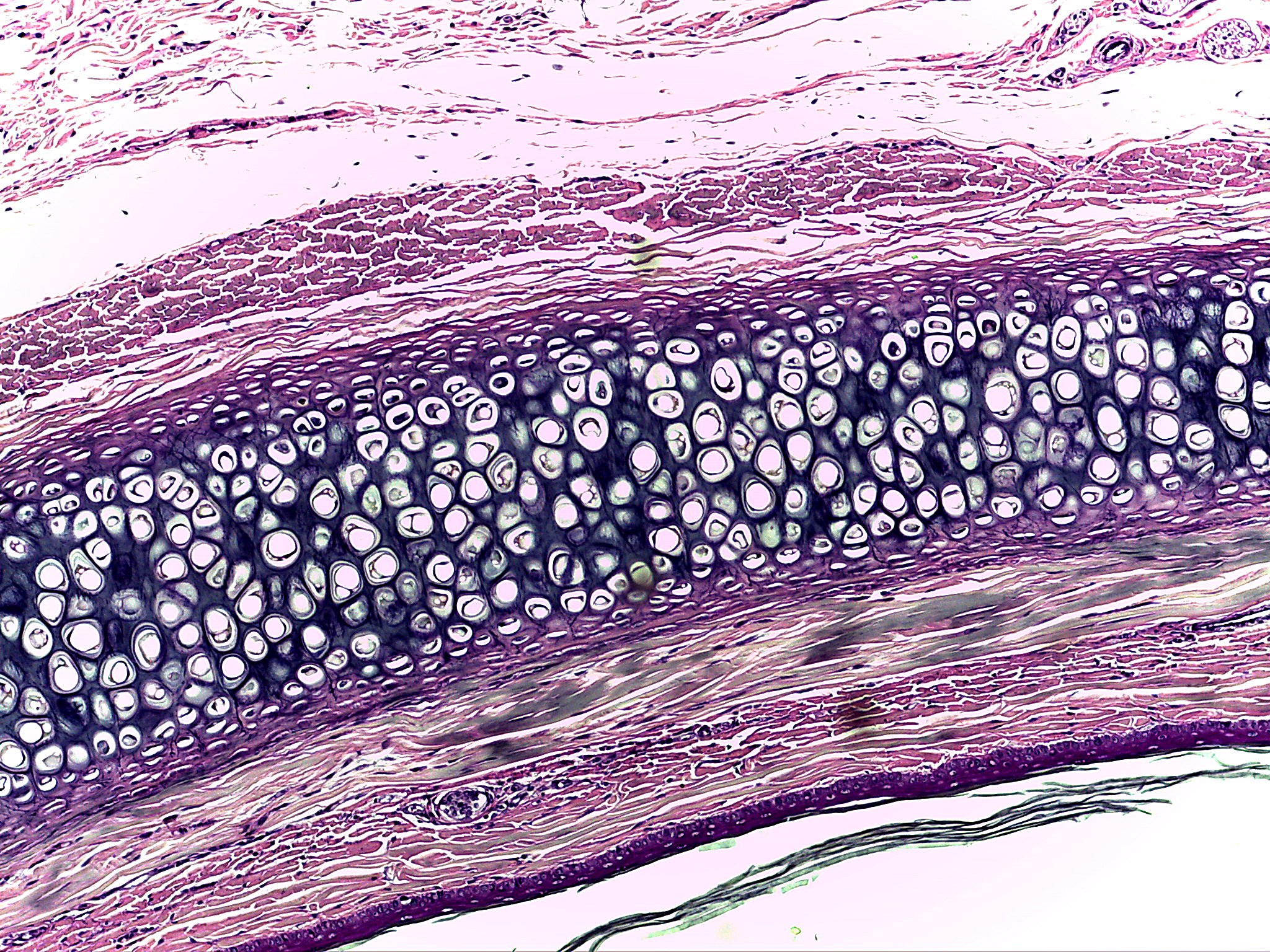
Cartilage from the ear at low power, stained purple and pink. A broad, dark purple-gray band runs from the lower left up to the upper right across the picture. The band is packed with round to oval white spaces, many with a thin dark rim and a tiny bit of material inside. The spaces sit in small groups and short columns against the dark matrix, which has fine, dark threads running through it. Above the band is pink fibrous tissue with pale gaps in it. Below the band are bands of pink and pale gray fibrous tissue. A thin, dark purple line of tightly packed small cells runs along the lower right edge, and dark thread-like strands lie in the bottom right corner.