Move and zoom: drag the image to move it, or double-click to zoom in. Hold Ctrl (⌘ on a Mac) and scroll to zoom. On a touch screen, drag to move and pinch to zoom. With a keyboard, Tab to the image, then use the ← ↑ → ↓ keys to move, + and − to zoom, and 0 to reset. The buttons and slider above do the same thing, including the four arrow buttons for moving the image.
Open the full-size image in its own pageDescription of this slide
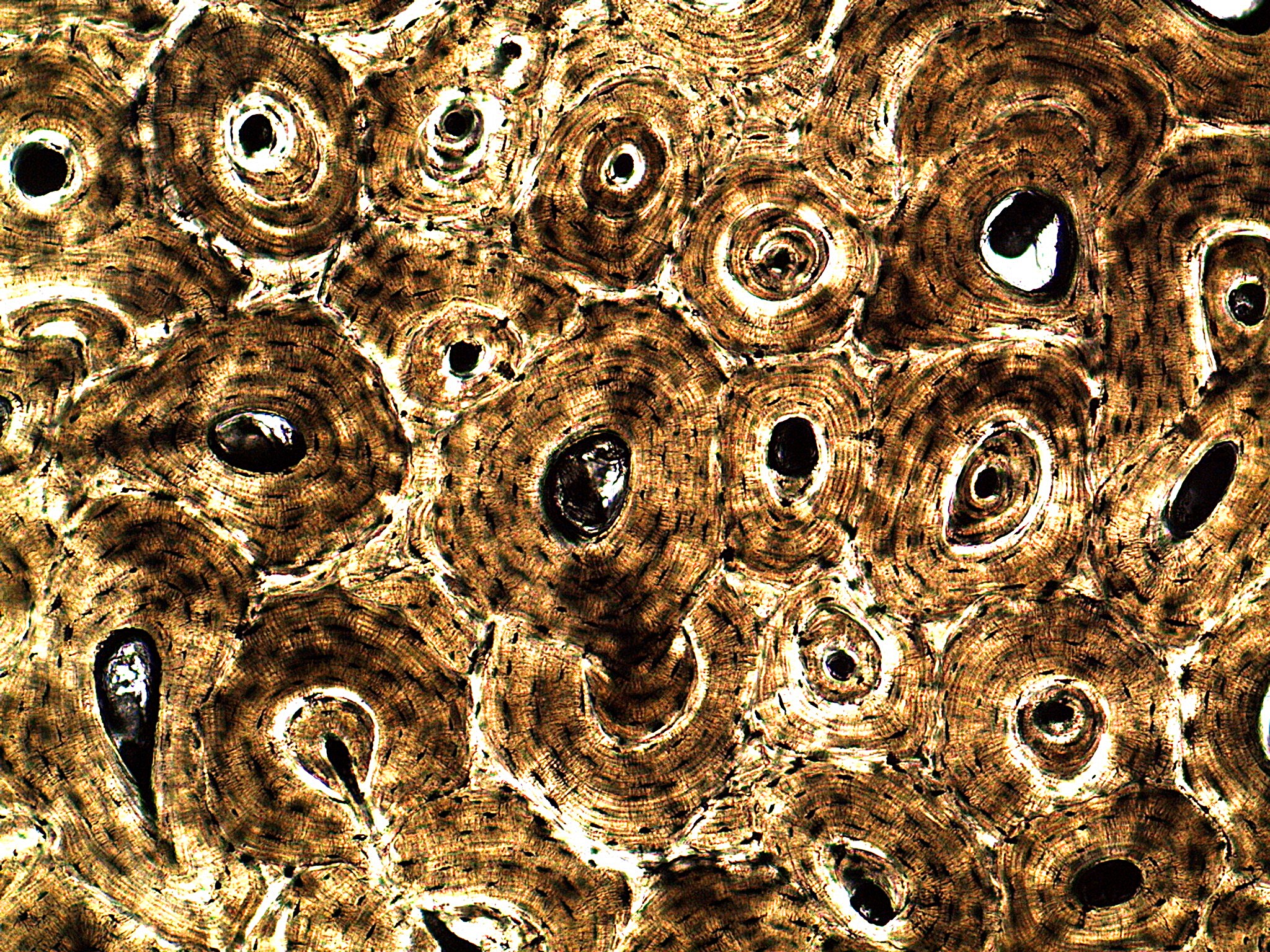
A thin slice of compact bone at low power, golden brown and unstained. The whole picture is filled with round to oval, ring-shaped structures of different sizes, packed close together. Each one has a hole at its center, which may be white-edged and black, or glassy. Thin, fine rings circle around the hole like the rings of a tree trunk. Curved pale lines and narrow gaps separate the ring-shaped structures from each other. Many tiny dark specks and short dark streaks are scattered through the rings, and some holes contain bright, glassy bits.