Move and zoom: drag the image to move it, or double-click to zoom in. Hold Ctrl (⌘ on a Mac) and scroll to zoom. On a touch screen, drag to move and pinch to zoom. With a keyboard, Tab to the image, then use the ← ↑ → ↓ keys to move, + and − to zoom, and 0 to reset. The buttons and slider above do the same thing, including the four arrow buttons for moving the image.
Open the full-size image in its own pageDescription of this slide
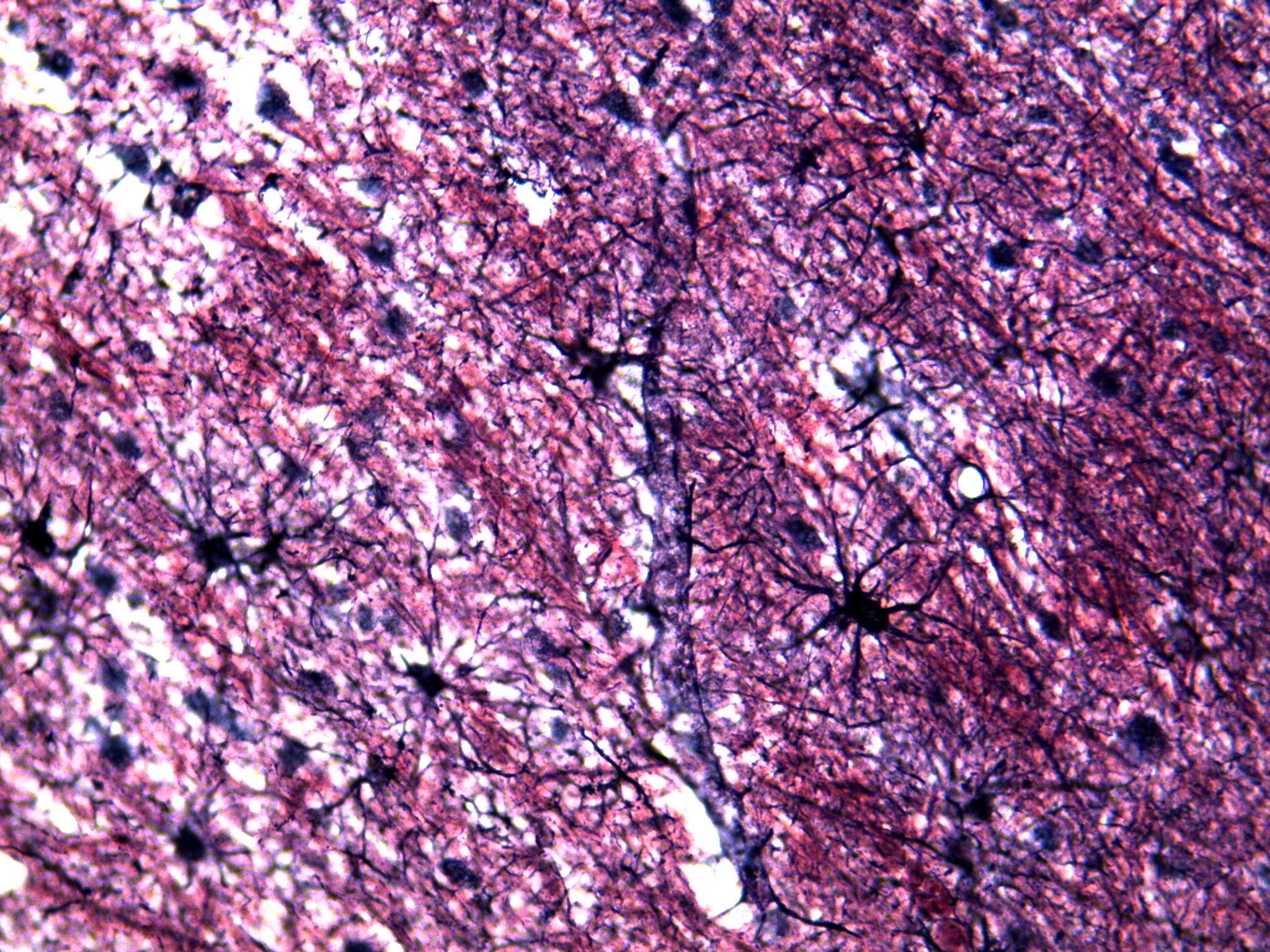
Brain tissue at low power, with the cells stained black against a purple, pink and red mottled background. Fine pink-red threads run through the whole picture, mostly slanting from the upper left to the lower right, with small white gaps among them. A thin, pale blue-gray strip runs from the top center down toward the bottom center. Scattered through the tissue are several black, star-shaped cells, each with a dark center and many long, thin, spiky arms that spread out in all directions. One sits just right of center, another to its left, one lower down, one near the top center, and others near the left edge. Fuzzy, dark gray round spots are scattered among them.