Move and zoom: drag the image to move it, or double-click to zoom in. Hold Ctrl (⌘ on a Mac) and scroll to zoom. On a touch screen, drag to move and pinch to zoom. With a keyboard, Tab to the image, then use the ← ↑ → ↓ keys to move, + and − to zoom, and 0 to reset. The buttons and slider above do the same thing, including the four arrow buttons for moving the image.
Open the full-size image in its own pageDescription of this slide
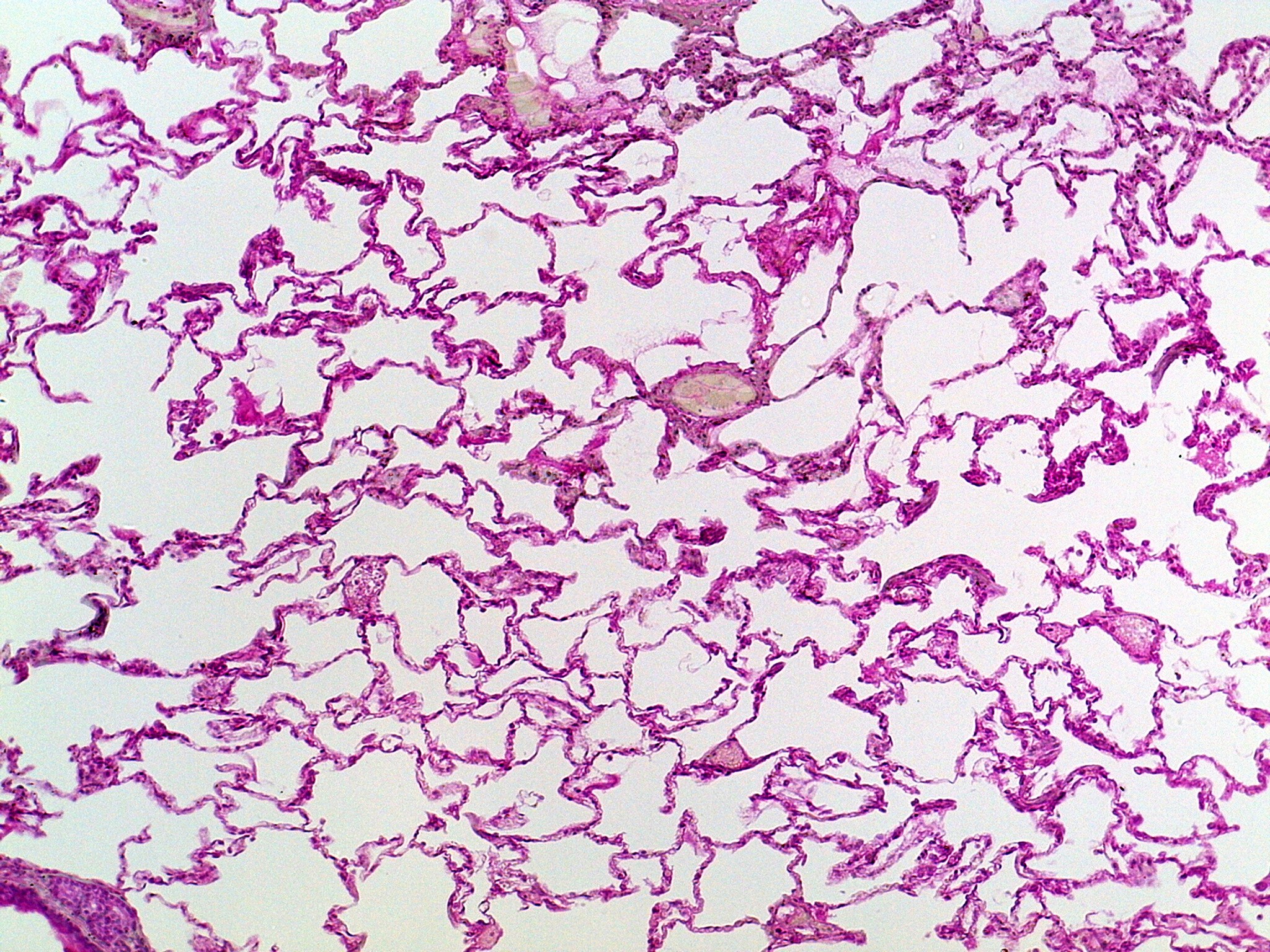
Low-power view of lung tissue. The alveoli are the many large, empty-looking air spaces. They are separated by very thin, pink walls that look like a delicate web or lace. A few small vessels and thicker patches of tissue are scattered between the air spaces.