Move and zoom: drag the image to move it, or double-click to zoom in. Hold Ctrl (⌘ on a Mac) and scroll to zoom. On a touch screen, drag to move and pinch to zoom. With a keyboard, Tab to the image, then use the ← ↑ → ↓ keys to move, + and − to zoom, and 0 to reset. The buttons and slider above do the same thing, including the four arrow buttons for moving the image.
Open the full-size image in its own pageDescription of this slide
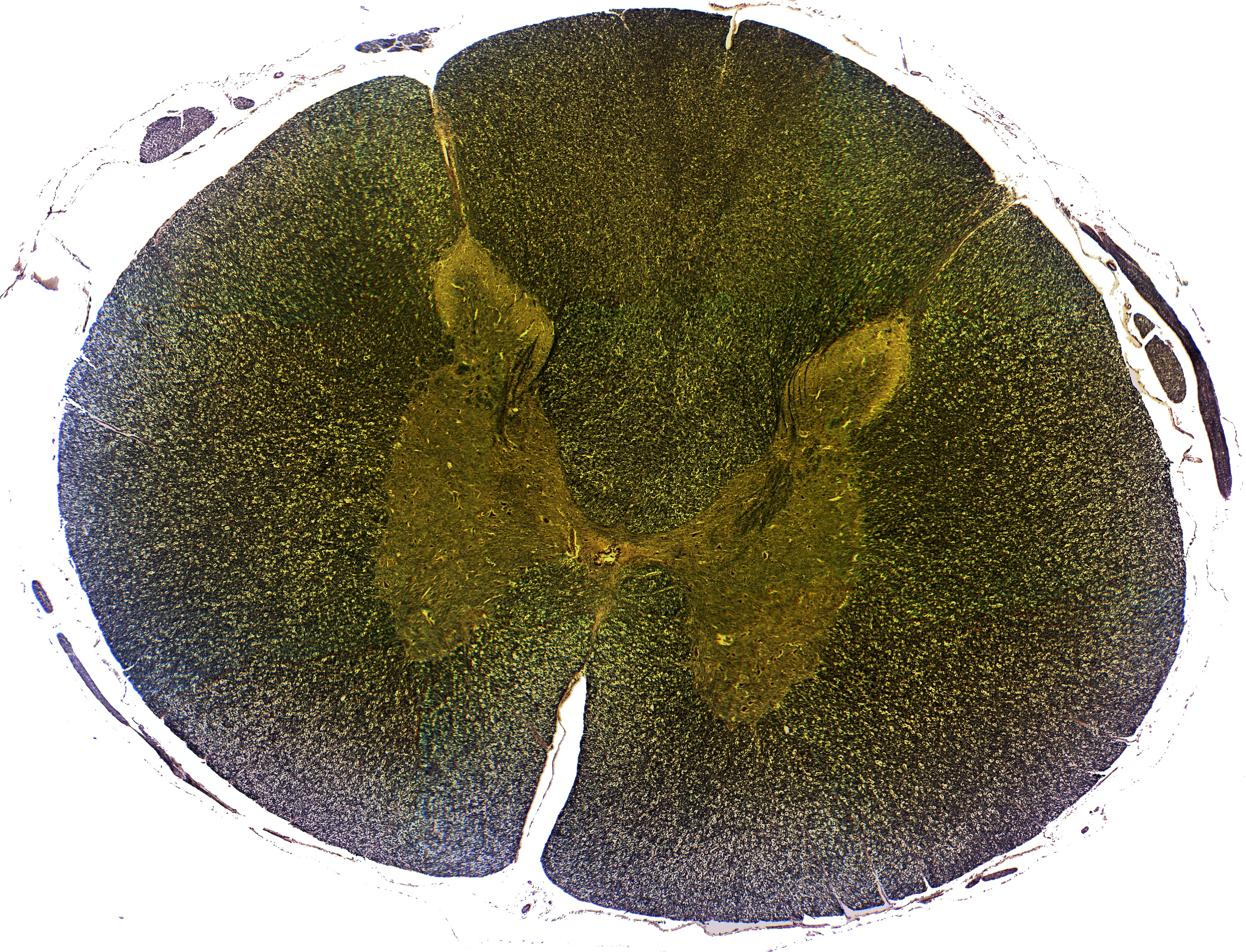
A cross-section of the spinal cord at low power, in dark green-brown tones with a yellow-green tint. A large, rounded slice fills almost the whole picture. Its outer ring is finely speckled. A deep, narrow white cleft cuts up into the ring from the bottom, just left of center, and nearly reaches the middle. A shallow notch marks the top, just left of center. In the middle is a paler yellow-green, butterfly-shaped area. It has a wing on the left and a wing on the right, and each wing has a thin horn that points up and outward. A tiny opening sits at the center where the wings meet. A thin white gap surrounds the slice, with a few small dark pieces of tissue at the upper left and along the right edge, including one long, thin, dark strand at the upper right.