Move and zoom: drag the image to move it, or double-click to zoom in. Hold Ctrl (⌘ on a Mac) and scroll to zoom. On a touch screen, drag to move and pinch to zoom. With a keyboard, Tab to the image, then use the ← ↑ → ↓ keys to move, + and − to zoom, and 0 to reset. The buttons and slider above do the same thing, including the four arrow buttons for moving the image.
Open the full-size image in its own pageDescription of this slide
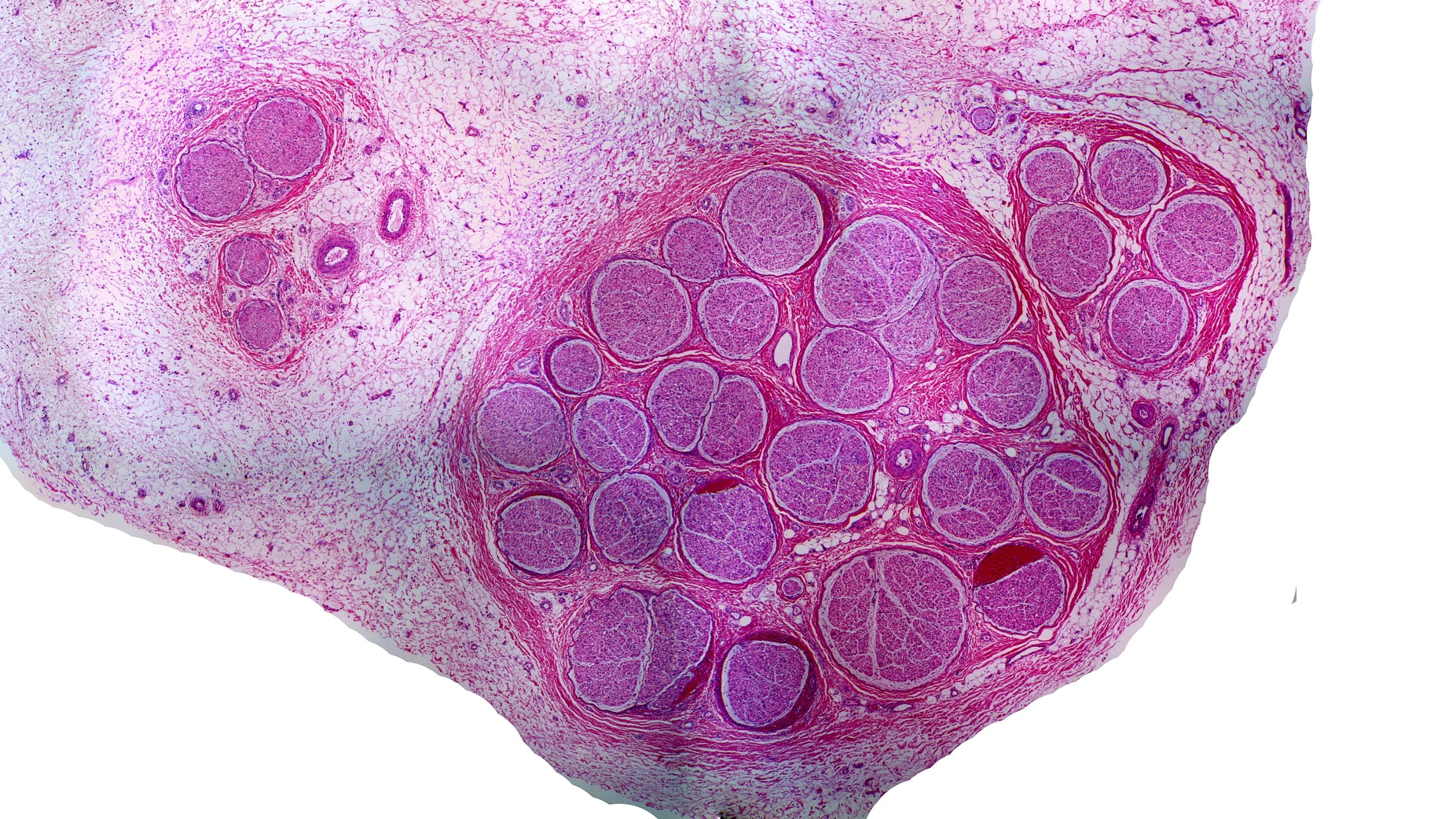
An entire nerve cut across at low power, stained pink and purple. A large oval group of about thirty round bundles of different sizes fills the center and right of the picture. Dense, deep pink fibers wrap around the whole group. A smaller group of four round bundles sits at the upper left, with two thick-walled round blood vessels just to its right. Another group of five bundles sits at the upper right. Loose, pale pink tissue full of tiny holes surrounds everything, and the lower left and lower right corners of the picture are white.