Move and zoom: drag the image to move it, or double-click to zoom in. Hold Ctrl (⌘ on a Mac) and scroll to zoom. On a touch screen, drag to move and pinch to zoom. With a keyboard, Tab to the image, then use the ← ↑ → ↓ keys to move, + and − to zoom, and 0 to reset. The buttons and slider above do the same thing, including the four arrow buttons for moving the image.
Open the full-size image in its own pageDescription of this slide
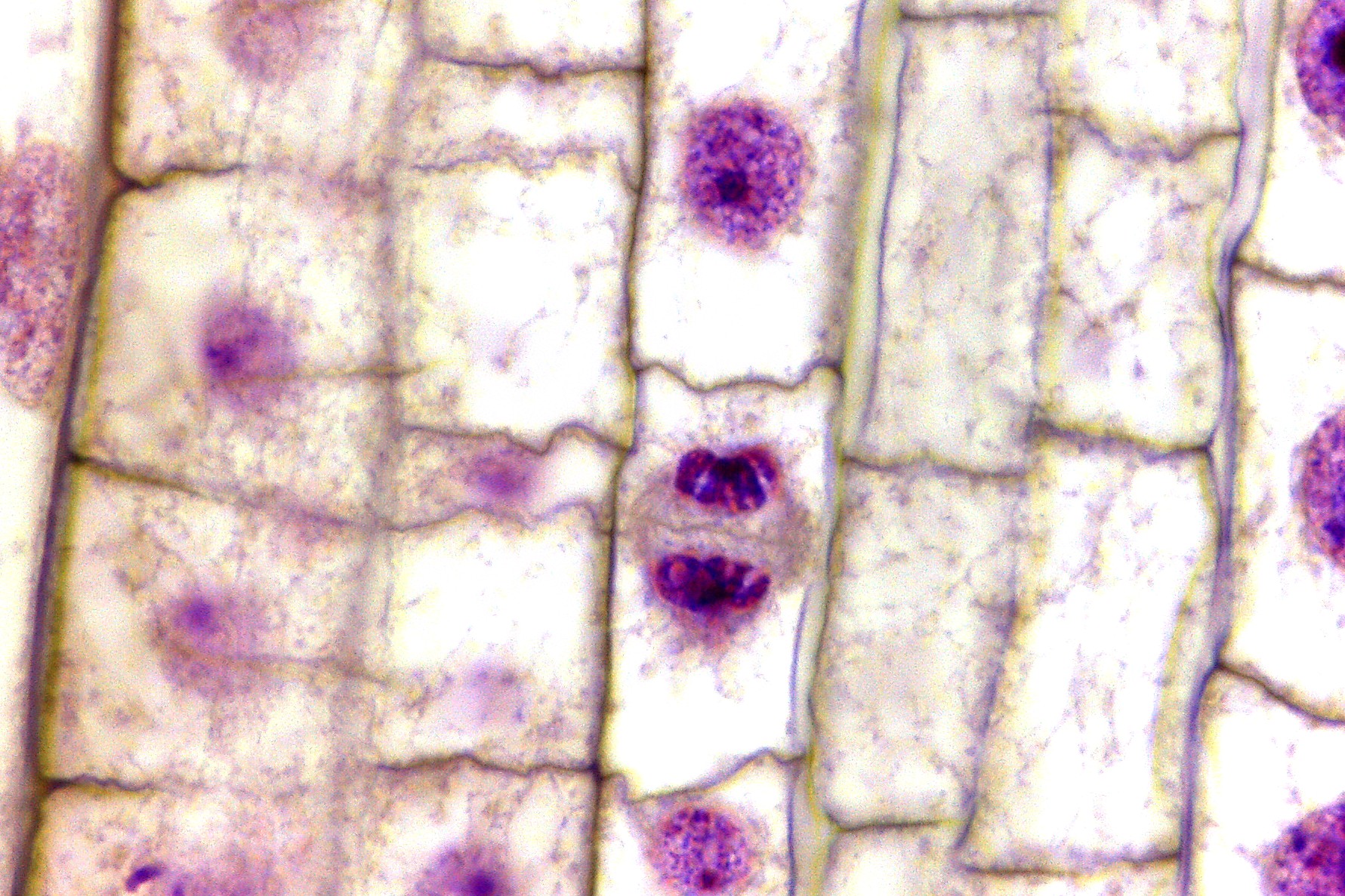
Onion root tip at high power, stained pink and purple. Rows of rectangular plant cells with thin walls fill the picture. Most cells contain a round to oval nucleus that is speckled or only faintly stained. One cell near the center looks very different. It has no nucleus. Instead, it holds two small, dark purple clumps of chromosomes, one above the other, with a pale gray, fibrous zone between them. Each clump is dark and compact, with a slightly notched edge. The rest of the cell is pale and clear.