Move and zoom: drag the image to move it, or double-click to zoom in. Hold Ctrl (⌘ on a Mac) and scroll to zoom. On a touch screen, drag to move and pinch to zoom. With a keyboard, Tab to the image, then use the ← ↑ → ↓ keys to move, + and − to zoom, and 0 to reset. The buttons and slider above do the same thing, including the four arrow buttons for moving the image.
Open the full-size image in its own pageDescription of this slide
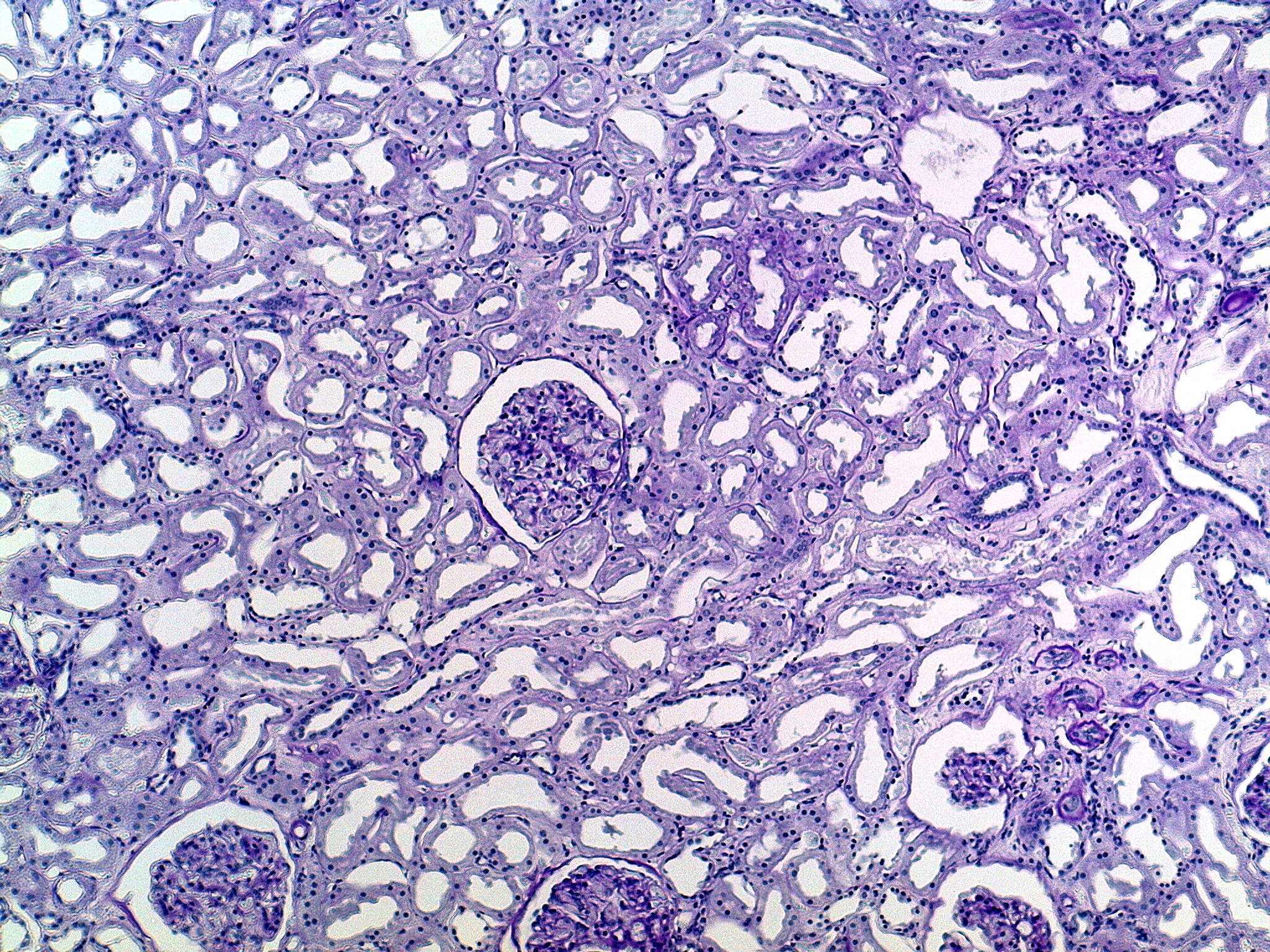
Kidney tissue at low power, stained shades of purple. The picture is crowded with many small tubes cut in different directions. Each tube shows up as a pale, open space with a round, oval or curved outline, and its wall is a ring of cells with small, round, dark nuclei. Near the center is a round ball of tightly packed dark purple cells and tiny spaces. A clear white gap and a thin pale outline surround the ball. Similar balls appear along the bottom edge and in the lower right. A small dark purple oval sits at the far right edge, a little above the middle.