Move and zoom: drag the image to move it, or double-click to zoom in. Hold Ctrl (⌘ on a Mac) and scroll to zoom. On a touch screen, drag to move and pinch to zoom. With a keyboard, Tab to the image, then use the ← ↑ → ↓ keys to move, + and − to zoom, and 0 to reset. The buttons and slider above do the same thing, including the four arrow buttons for moving the image.
Open the full-size image in its own pageDescription of this slide
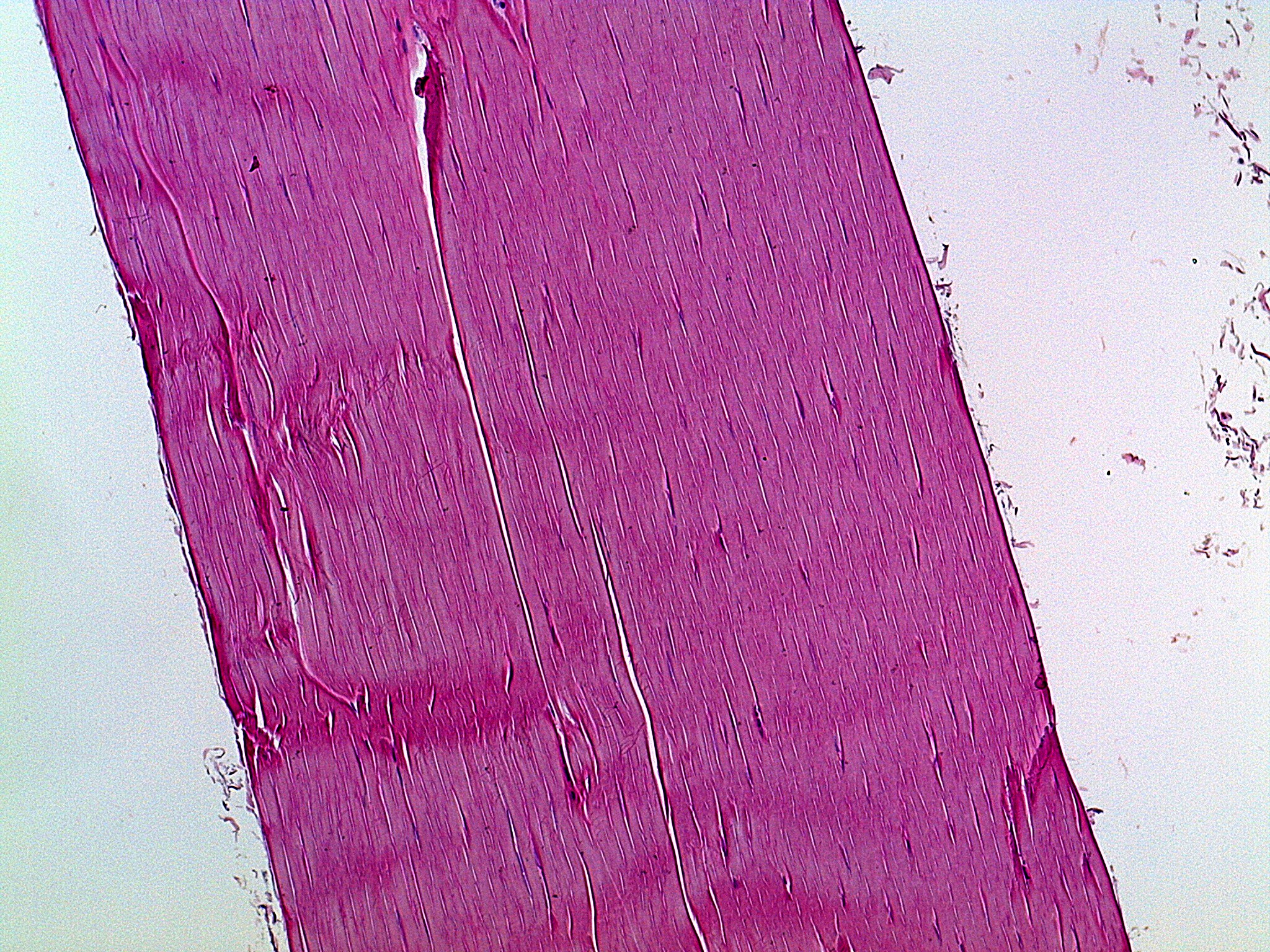
Tendon at low power, stained pink and magenta. A wide, tilted band of tissue runs from the top left to the bottom right, with pale empty background on both sides and a few small flakes and frayed bits at the right. The whole band is made of fine, straight fibers lying side by side and running lengthwise along the band, which gives the tissue a streaked look. A few deeper pink bands cross the tissue sideways. Thin, white, crack-like gaps run along the length of the fibers, including a long narrow one near the center and several at the left. Between the fibers, many tiny, dark purple, flattened nuclei show up as thin slivers lined up in the same direction as the fibers.