Move and zoom: drag the image to move it, or double-click to zoom in. Hold Ctrl (⌘ on a Mac) and scroll to zoom. On a touch screen, drag to move and pinch to zoom. With a keyboard, Tab to the image, then use the ← ↑ → ↓ keys to move, + and − to zoom, and 0 to reset. The buttons and slider above do the same thing, including the four arrow buttons for moving the image.
Open the full-size image in its own pageDescription of this slide
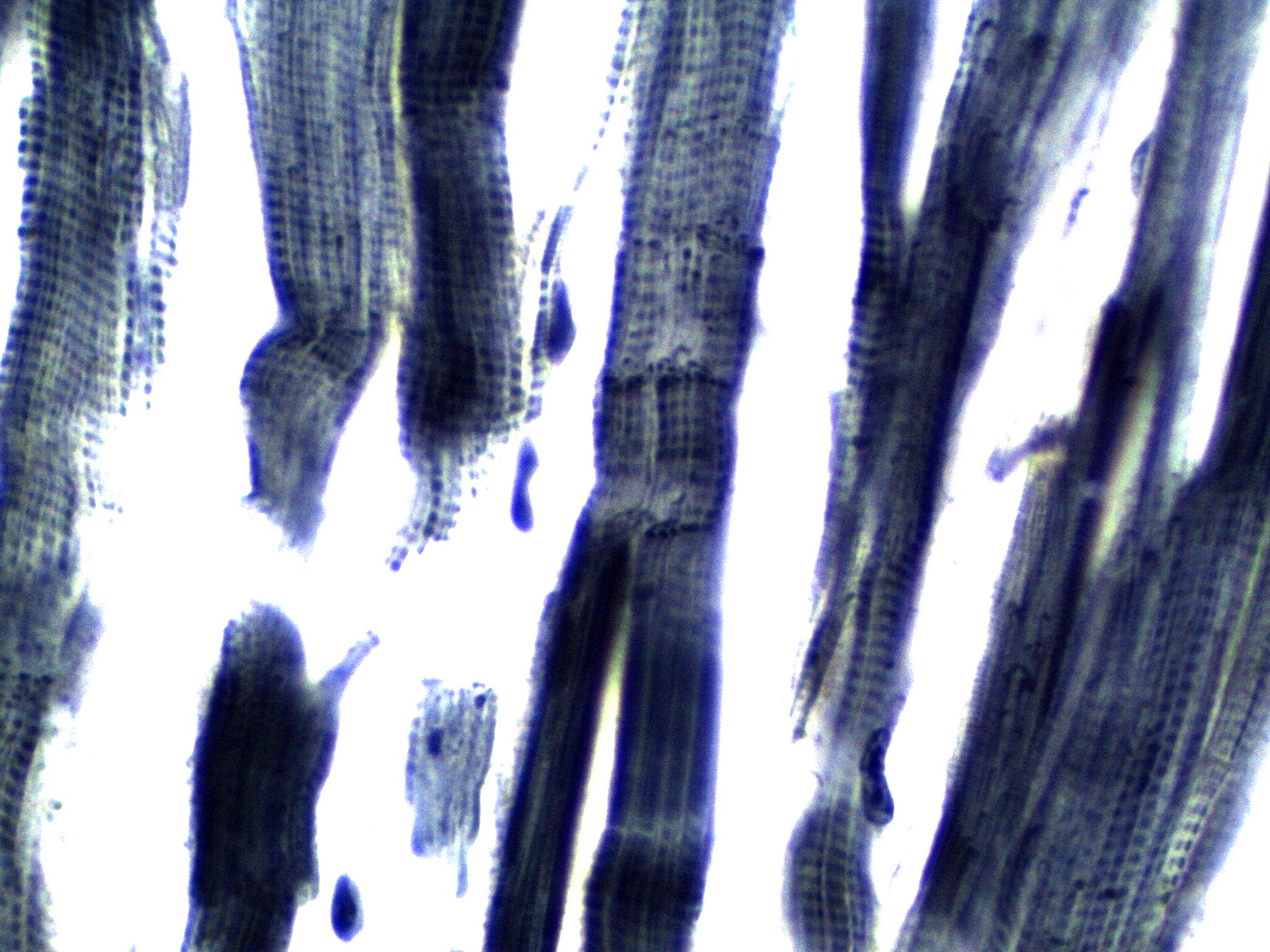
Cardiac muscle cells at very high power, stained blue-purple. Thick, dark, ribbon-like cells run from the top of the picture toward the bottom, tilting slightly, with white empty background between them. Many of the cells show fine, regular cross-stripes, and where they are cut slightly flatter the stripes form a checkered grid of small dark dots. Along the left side, several cells end in rounded or ragged ends. In the center, a wide cell is crossed by thin, dark, zigzag lines running side to side, and the cell carries on past each line. Lower down, this same cell splits into two thick, dark side-by-side branches. At the right, darker, nearly solid blue-black cells lean to the right, and a small, dark, curled nucleus sits at the edge of one cell in the lower right. A few small dark blobs and a pale, ragged fragment lie in the white background.