Move and zoom: drag the image to move it, or double-click to zoom in. Hold Ctrl (⌘ on a Mac) and scroll to zoom. On a touch screen, drag to move and pinch to zoom. With a keyboard, Tab to the image, then use the ← ↑ → ↓ keys to move, + and − to zoom, and 0 to reset. The buttons and slider above do the same thing, including the four arrow buttons for moving the image.
Open the full-size image in its own pageDescription of this slide
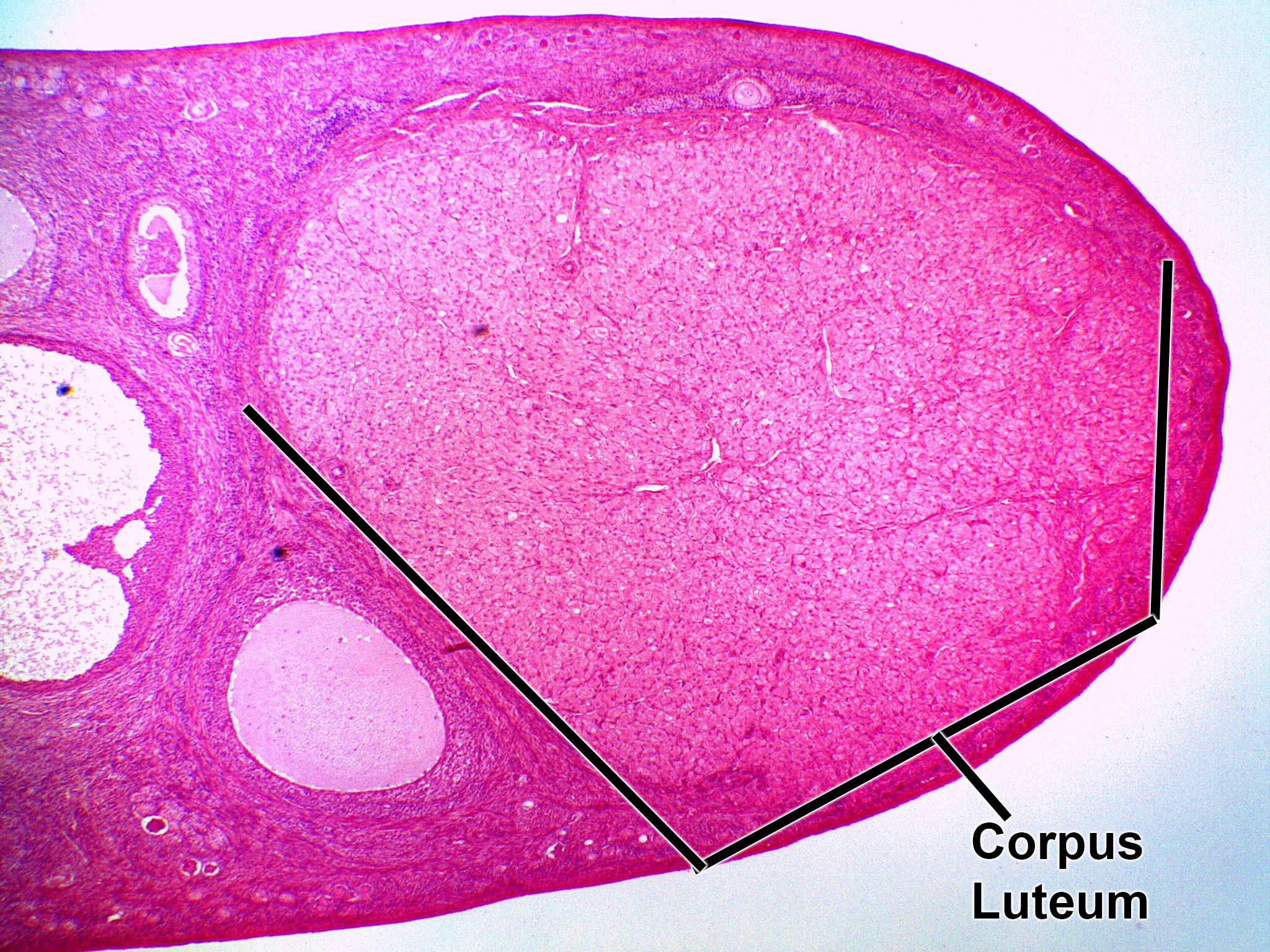
Very low-power view of an ovary with a corpus luteum. The corpus luteum is the large, solid, pale pink mass that takes up most of the right side of the ovary. Up close it has a finely speckled, granular look because it is made of large, pale cells (lutein cells). It is much bigger than the follicles beside it on the left, which are round and fluid-filled.