Move and zoom: drag the image to move it, or double-click to zoom in. Hold Ctrl (⌘ on a Mac) and scroll to zoom. On a touch screen, drag to move and pinch to zoom. With a keyboard, Tab to the image, then use the ← ↑ → ↓ keys to move, + and − to zoom, and 0 to reset. The buttons and slider above do the same thing, including the four arrow buttons for moving the image.
Open the full-size image in its own pageDescription of this slide
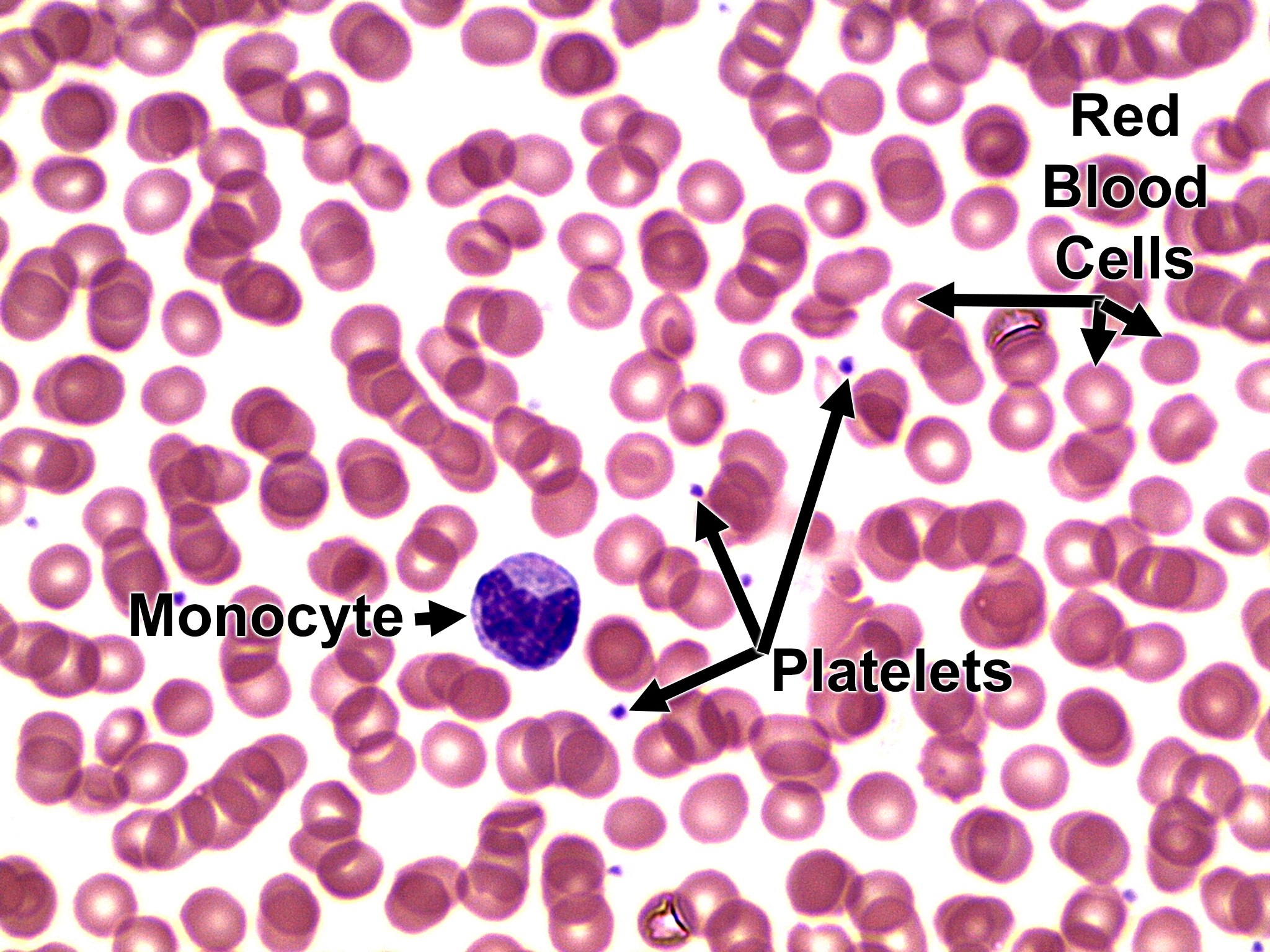
High-power blood smear with one monocyte at the left of center, among crowded red blood cells. The monocyte is clearly larger than the red cells. Its dark purple nucleus is large and slightly indented, and it is surrounded by a rim of paler blue-gray cytoplasm. Platelets are the small purple specks between the red cells.