Move and zoom: drag the image to move it, or double-click to zoom in. Hold Ctrl (⌘ on a Mac) and scroll to zoom. On a touch screen, drag to move and pinch to zoom. With a keyboard, Tab to the image, then use the ← ↑ → ↓ keys to move, + and − to zoom, and 0 to reset. The buttons and slider above do the same thing, including the four arrow buttons for moving the image.
Open the full-size image in its own pageDescription of this slide
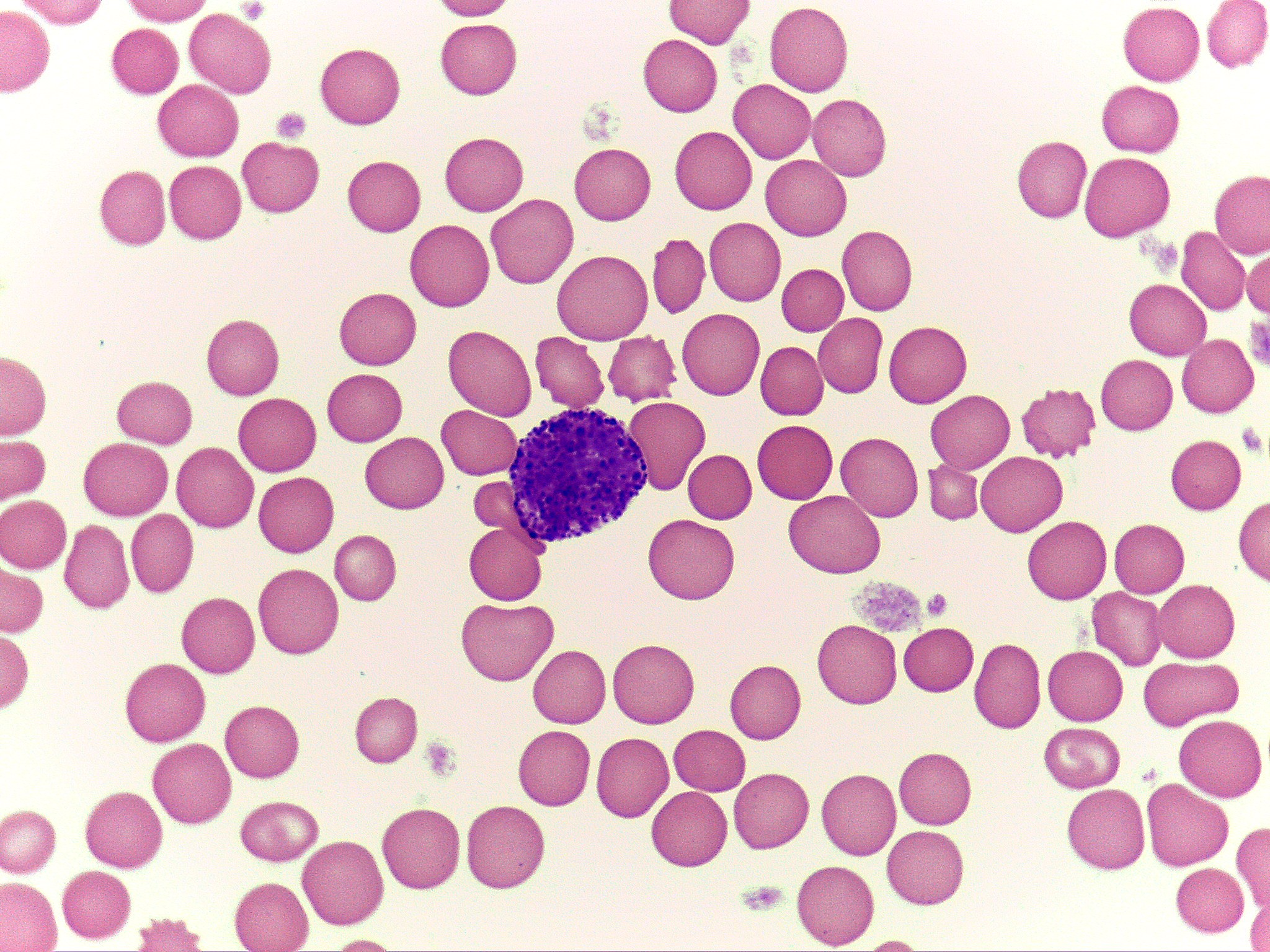
High-power blood smear with one basophil at the left of center, surrounded by red blood cells. The basophil is a round cell packed with dark blue-purple granules that cover its nucleus, so the nucleus is hard to see. A few spiky red cells and small purple platelet clumps are also in the field.