Move and zoom: drag the image to move it, or double-click to zoom in. Hold Ctrl (⌘ on a Mac) and scroll to zoom. On a touch screen, drag to move and pinch to zoom. With a keyboard, Tab to the image, then use the ← ↑ → ↓ keys to move, + and − to zoom, and 0 to reset. The buttons and slider above do the same thing, including the four arrow buttons for moving the image.
Open the full-size image in its own pageDescription of this slide
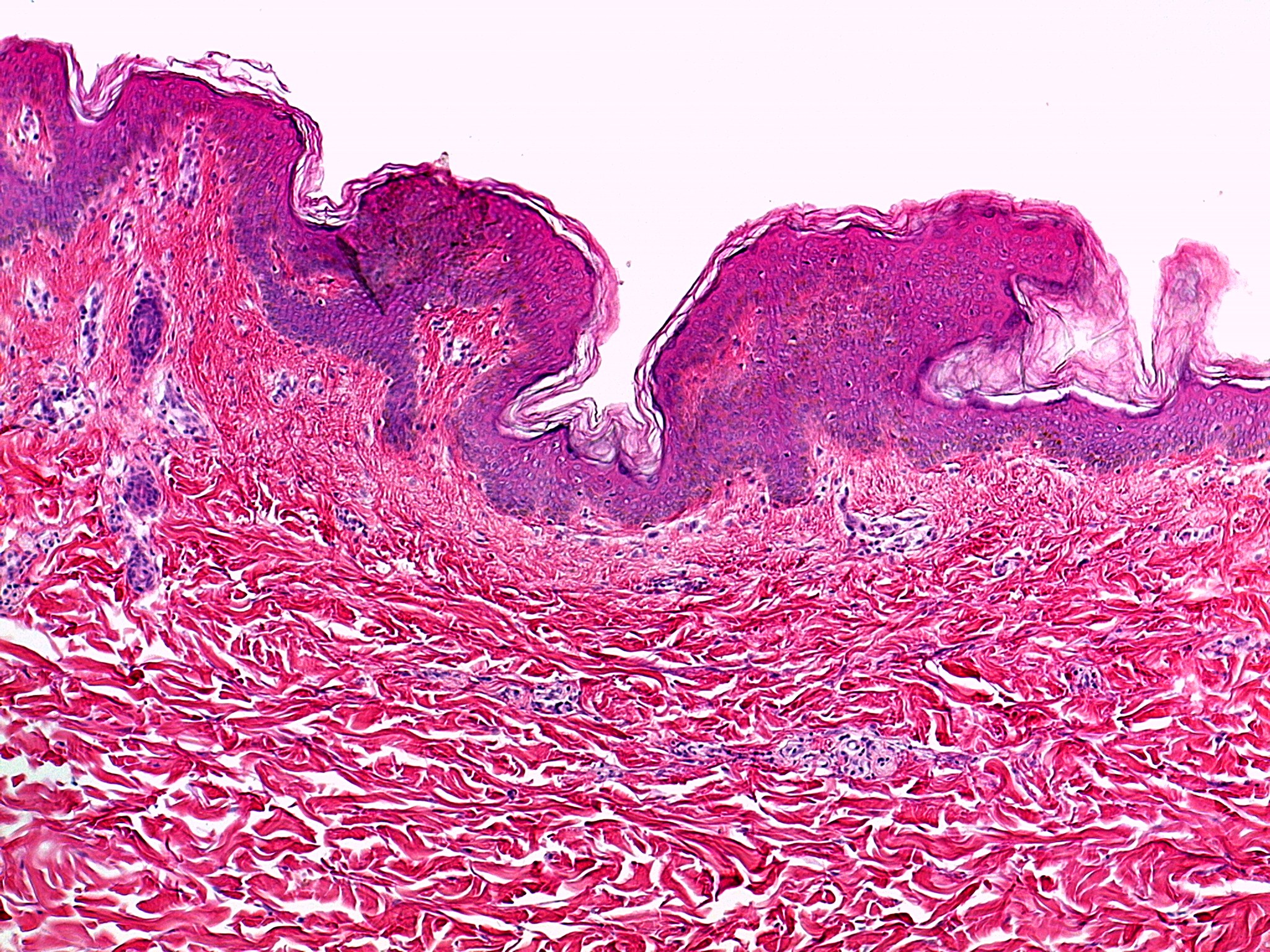
Skin stained pink and purple, with a pale background across the top. A wavy, purple band runs along the upper edge of the tissue. This is the outer layer of the skin, made of many layers of cells stacked on top of each other. Its surface is uneven, with a thin, pale, flaky layer on top that is peeling away in places. Below the purple band is a much larger area of deep pink tissue made of thick, wavy fibers. Small clusters of dark purple cells lie among the fibers at the left side of the picture.