Move and zoom: drag the image to move it, or double-click to zoom in. Hold Ctrl (⌘ on a Mac) and scroll to zoom. On a touch screen, drag to move and pinch to zoom. With a keyboard, Tab to the image, then use the ← ↑ → ↓ keys to move, + and − to zoom, and 0 to reset. The buttons and slider above do the same thing, including the four arrow buttons for moving the image.
Open the full-size image in its own pageDescription of this slide
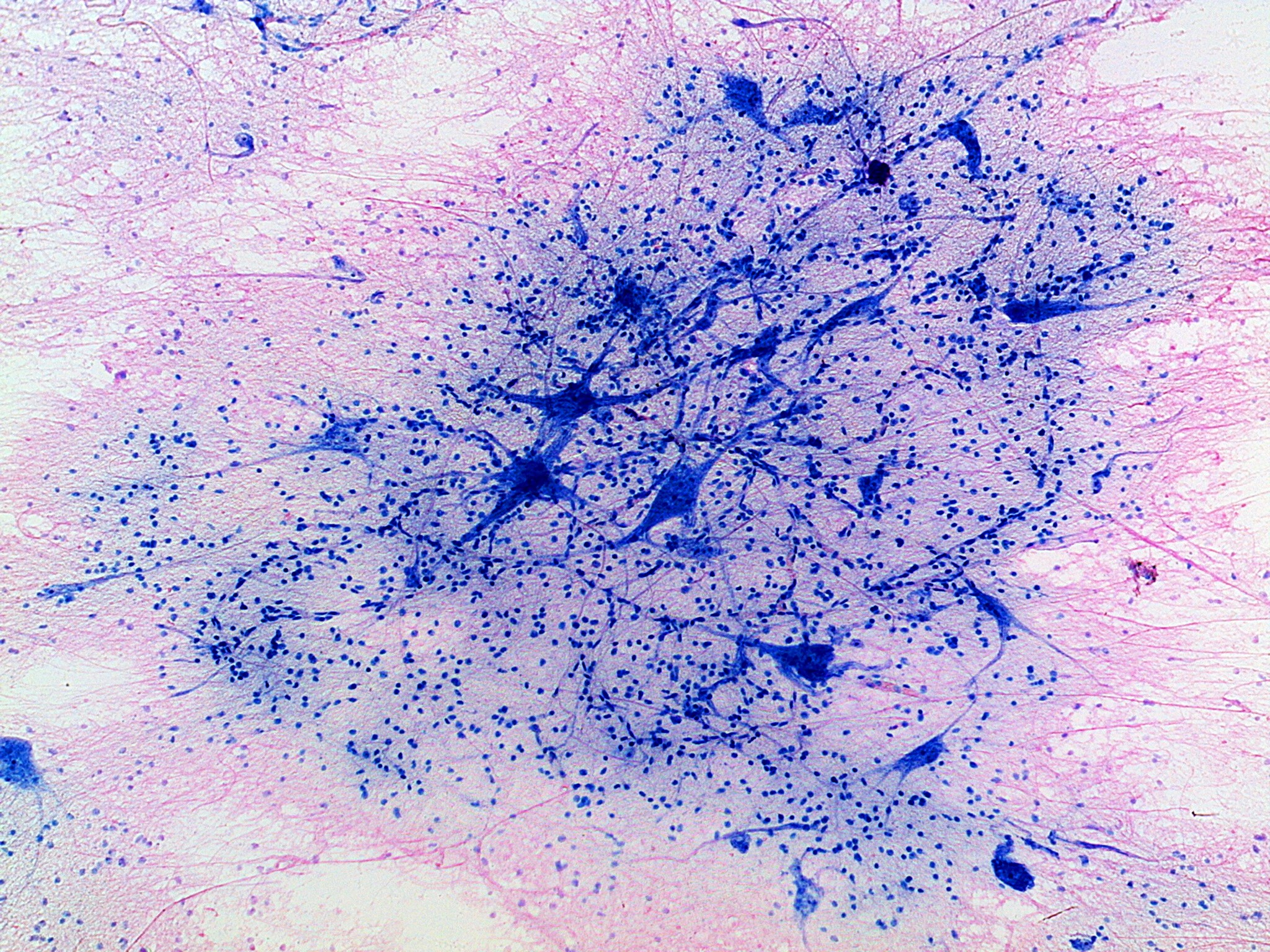
Nervous tissue at low power, stained blue and pink, on a pale pink background crossed by fine pink threads. A large cloud of blue-stained tissue fills the center of the picture and is crowded with tiny blue dots, which are nuclei. Within the cloud are several larger, darker blue cells with star-shaped or triangular bodies and long, branching arms. A web of very fine blue threads connects them. A few more dark blue cells sit alone near the lower left and lower right corners.