Move and zoom: drag the image to move it, or double-click to zoom in. Hold Ctrl (⌘ on a Mac) and scroll to zoom. On a touch screen, drag to move and pinch to zoom. With a keyboard, Tab to the image, then use the ← ↑ → ↓ keys to move, + and − to zoom, and 0 to reset. The buttons and slider above do the same thing, including the four arrow buttons for moving the image.
Open the full-size image in its own pageDescription of this slide
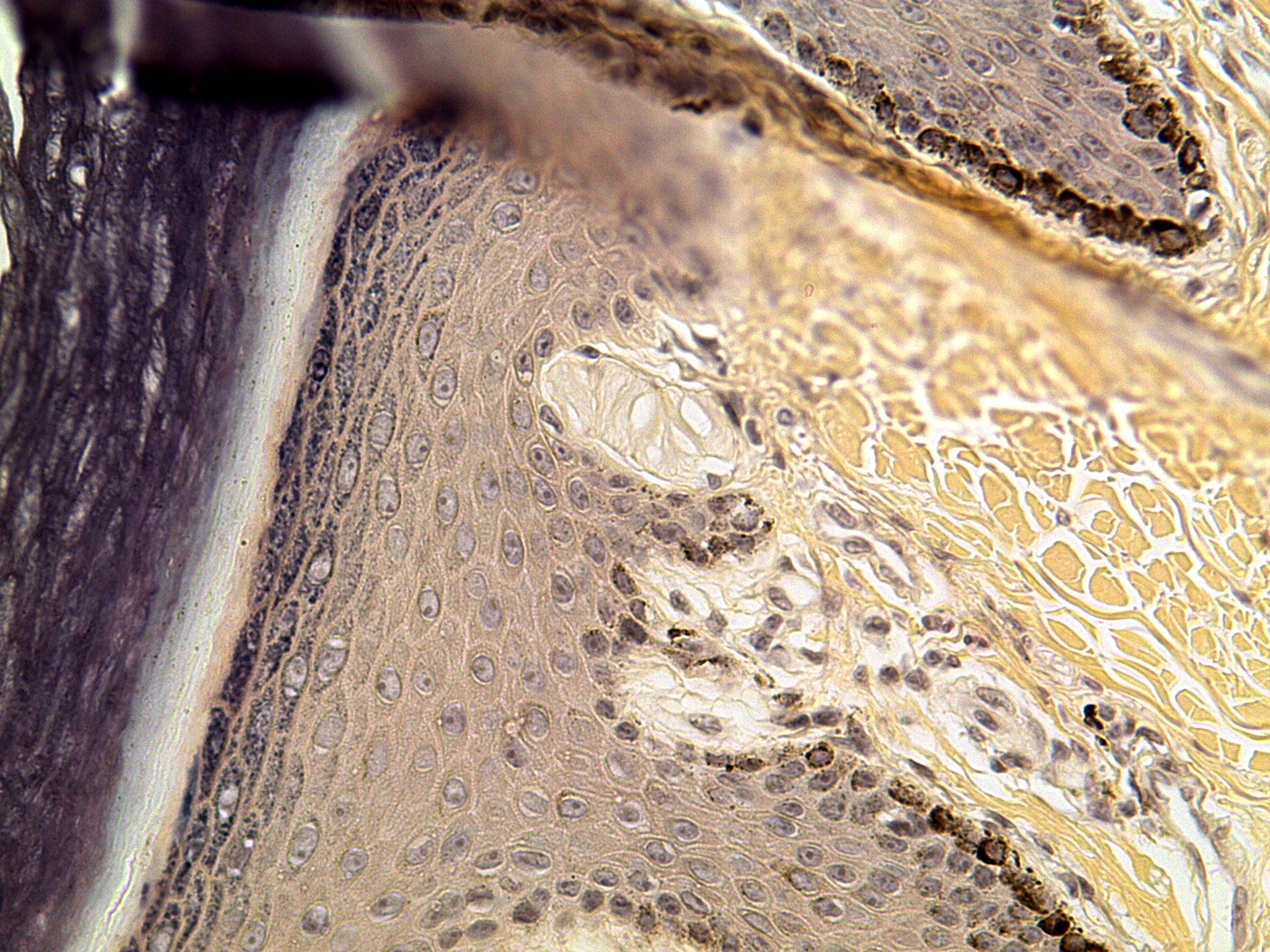
Skin at high power, stained in tan, brown and gray-purple tones. A tall, dark purple-gray band runs down the left edge of the picture, separated from the rest of the tissue by a narrow white channel that slants down the page. A smudgy dark bar crosses the top left corner. A broad band of tan, many-layered cells with pale oval nuclei fills the left and center of the picture. At the upper right, a dark brown edge line follows a fold. The right side is golden-yellow fibrous tissue with white gaps. At the center, a pale, oval structure with fine layered lines sits at the edge between the tan cells and the fibrous tissue. Below it is a pale area with small dark nuclei and brown specks of pigment.